Is it possible to use Windows Vista in 2025? - Experience
Greetings.
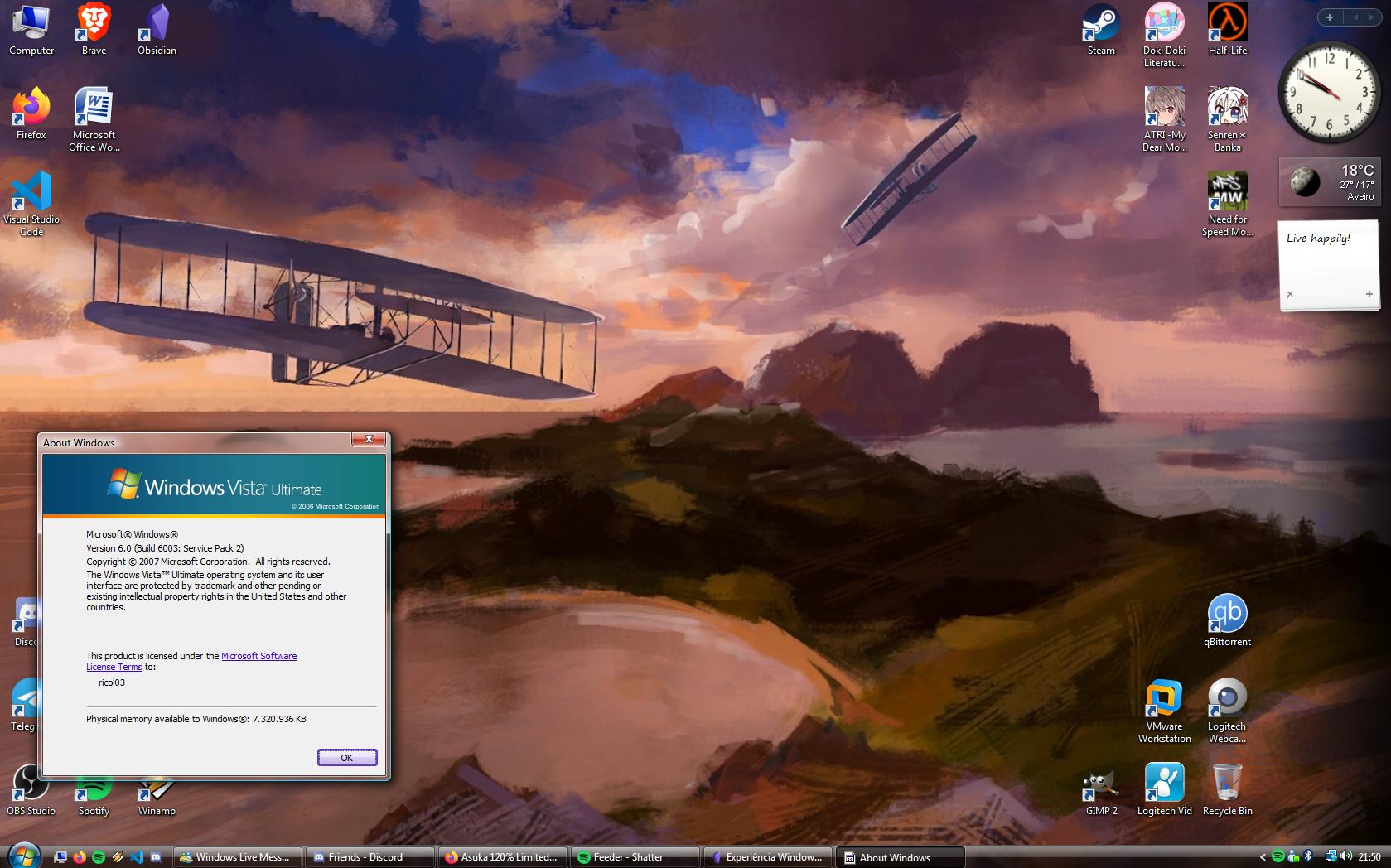
As Silicon Valley giants invest increasingly in new technologies such as artificial intelligence and new computing form factors, older technologies—both hardware and software—are being consigned to oblivion. As the title suggests, in this article I shall attempt to defend and substantiate the view that Windows Vista still has its uses in today’s computing environment. In order to establish a concrete metric for testing the operating system’s performance, I will examine several parameters, including software categories (productivity, entertainment, etc.) and hardware support.
To make this experience more authentic and gain a better perspective, I have also decided to limit myself to the operating system in question, using it for my personal tasks – including the writing of this article. Originally, the idea of using this operating system had been around since 2020, when we were still in the midst of the pandemic. However, at the time, the plan was to run it in a virtual machine, as I didn’t have a suitable PC to install it on.
By this, I do not mean that we should suddenly switch our operating systems and adopt older versions of Windows. I simply wish to highlight that computers that have been set aside may still be of some use today. With that said, let this experiment begin.
Installation and Configuration
Hardware
To begin with, I should introduce the hardware that will make this experience possible. It is a 2014 HP EliteDesk 705 G1 DM desktop in a Mini PC form factor. It features an AMD A8 PRO-7600B R7 processor running at 3.1 GHz; it has 4 cores and 4 threads. It comes with 8192 MB of DDR3 RAM and a 128 GB LiteOn SSD.
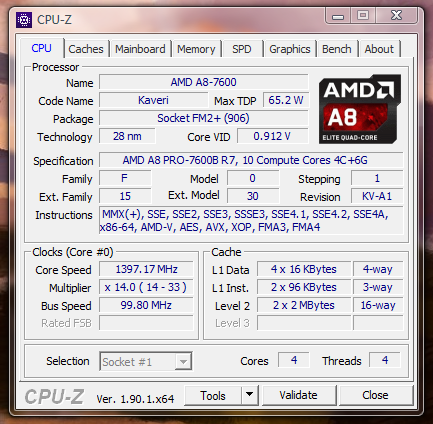
CPU-Z window showing system specifications
Source: TICs do ricol
As for peripherals, it features an Acer AL2216W monitor, fittingly from the Windows Vista era, a generic USB keyboard also from that time, and the mouse from my main system, a Razer Basilisk V3. The PC itself was originally a Linux server running Rocky Linux 9, used for my personal projects and also for university courses in Distributed Systems and Systems and Network Management.
Installing the operating system and drivers
Moving on to the installation itself, on this specific hardware, it was somewhat complicated to install both the operating system and the drivers. To get Vista installed, I had to enable Legacy Boot mode, plug the USB stick into a USB 2.0 port, set the USB stick as the second boot device in the boot order, and manually boot from it via the BIOS boot menu. If any of these steps had been missed, it would have been impossible to proceed with the installation. Of course, with only two USB 2.0 ports available, I could only have either the mouse and USB stick connected, or the keyboard and USB stick connected, which made the installation difficult. After this, the installation proceeded normally until the desktop appeared, with the keyboard and mouse becoming available in the final stages.
Of course, once I reached the desktop, nothing worked, not even the wired network, which was connected by then. To resolve this, I had to use my mobile phone and connect it to the USB 2.0 port to copy the driver files to the system. It should be noted that this PC does not officially support Windows Vista, and it is clear why: even with the drivers extracted, the installers themselves failed in most cases, making it necessary to install the drivers manually via Device Manager. As a point of interest, I even installed Windows 7 on another partition I had set aside, and contrary to what I expected, this operating system also had the same problem.
Anyway, after struggling with the drivers and reinstalling the operating system a few times – since, for some reason, the sound would stop working even with the correct drivers installed – I finally got the system working properly.
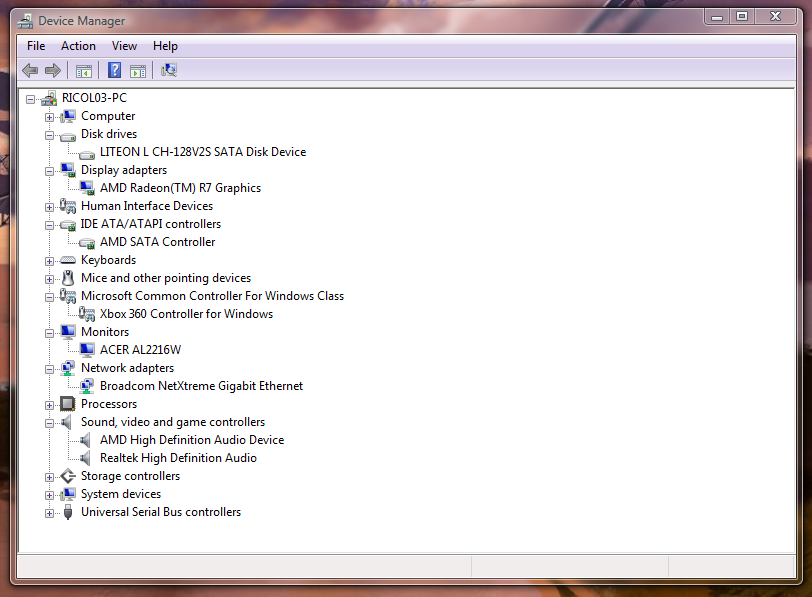
Device Manager window
Source: TICs do ricol
Configuring updates and miscellaneous settings
From here on, it becomes a game of patience. Essentially, the aim here is to update the system as much as possible, unless you are using an ISO with all updates already applied. I would say this is the worst part of the experience, as Windows Update does not work, and you need to update using the .msu and .cab files from Microsoft’s Update Repository. For some programmes, you will also need to install the Windows Server 2008 updates, the server-oriented version of Windows Vista. After a few hours, you eventually reach a point where you can install the programmes that will be used on the system.
Finally, it is a matter of installing the Extended Kernel, which allows Windows Vista to install more modern programmes that require a newer version.
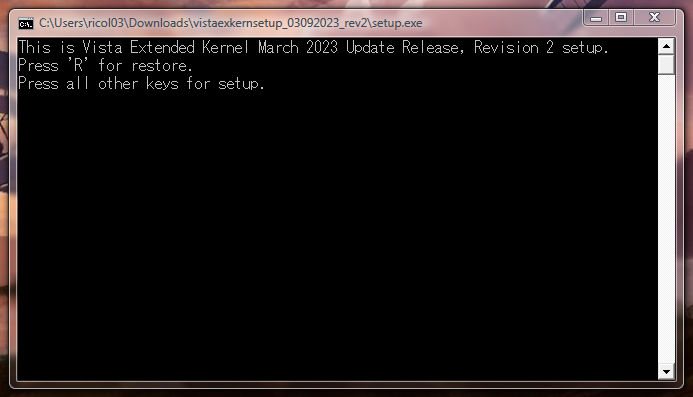
Extended Kernel installer window
Source: TICs do ricol
From here, for each programme, you must configure the osver.ini file in C:\Windows. It will look like this:
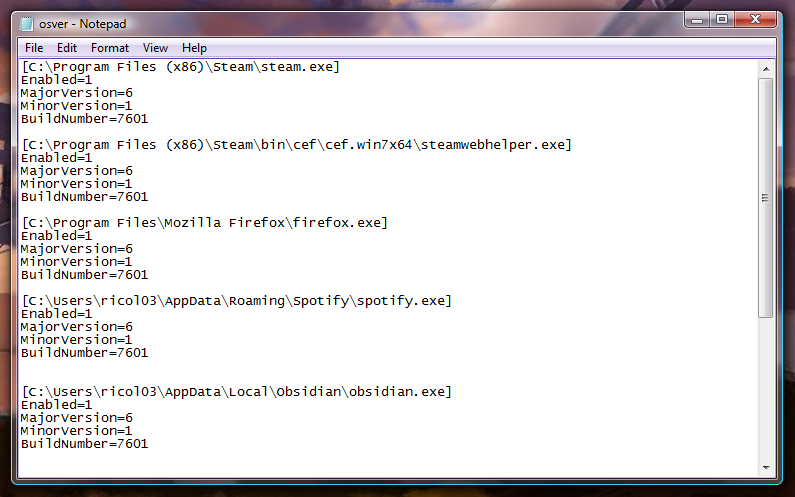
osver.ini file
Source: TICs do ricol
Testing
The operating system will be evaluated based on its performance in the following categories: Web Access, Communication, Productivity, Entertainment, Hardware Support and Others. This evaluation will be based on two aspects: the subjective and the objective – that is, my personal opinion and experience within each category, and what is objectively true within that category.
Web Access
This is very straightforward to answer: it is perfectly usable from an objective standpoint, with access to three major browsers – based on what I was able to test – namely Supermium (Chromium 132), Brave v1.50 (Chromium 110) and Firefox ESR 115. Specifically, on this hardware, Chromium-based browsers generally proved to be slower due to increased resource consumption; Firefox, on the other hand, managed to maintain a more consistent performance, even with a larger number of tabs open.
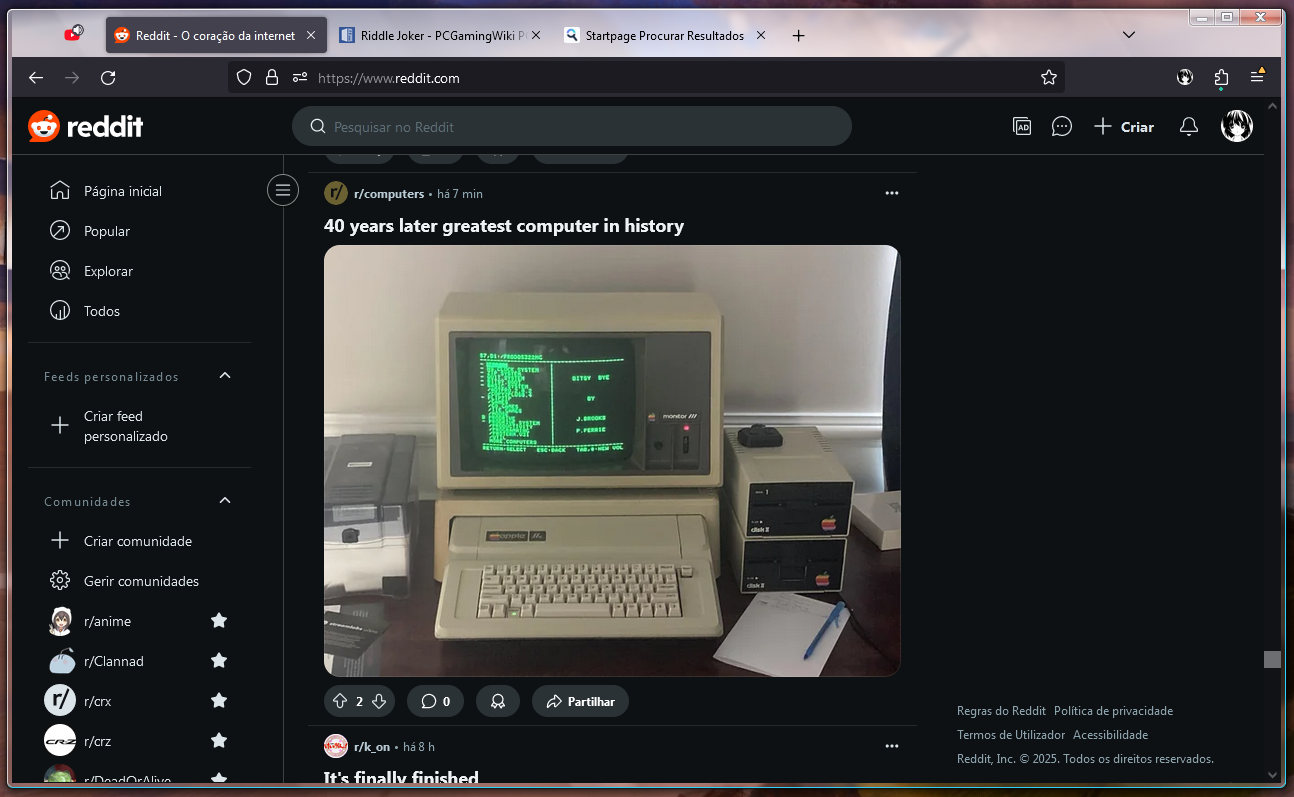
Mozilla Firefox window
Source: TICs do ricol
Here, I have YouTube playing music in the background in Firefox, whilst I was viewing my Reddit feed and had two other tabs open.

Brave window
Source: TICs do ricol
Here, I have Brave playing a video on YouTube.
Communication
In this category, it will depend somewhat on the communication tools each person uses. Personally, I frequently use Discord on my PC, reserving messaging apps such as WhatsApp or Telegram for my mobile phone. I also use Windows Live Messenger, though more out of nostalgia than actual necessity. In the case of Discord, you can use either the desktop application or the browser version.
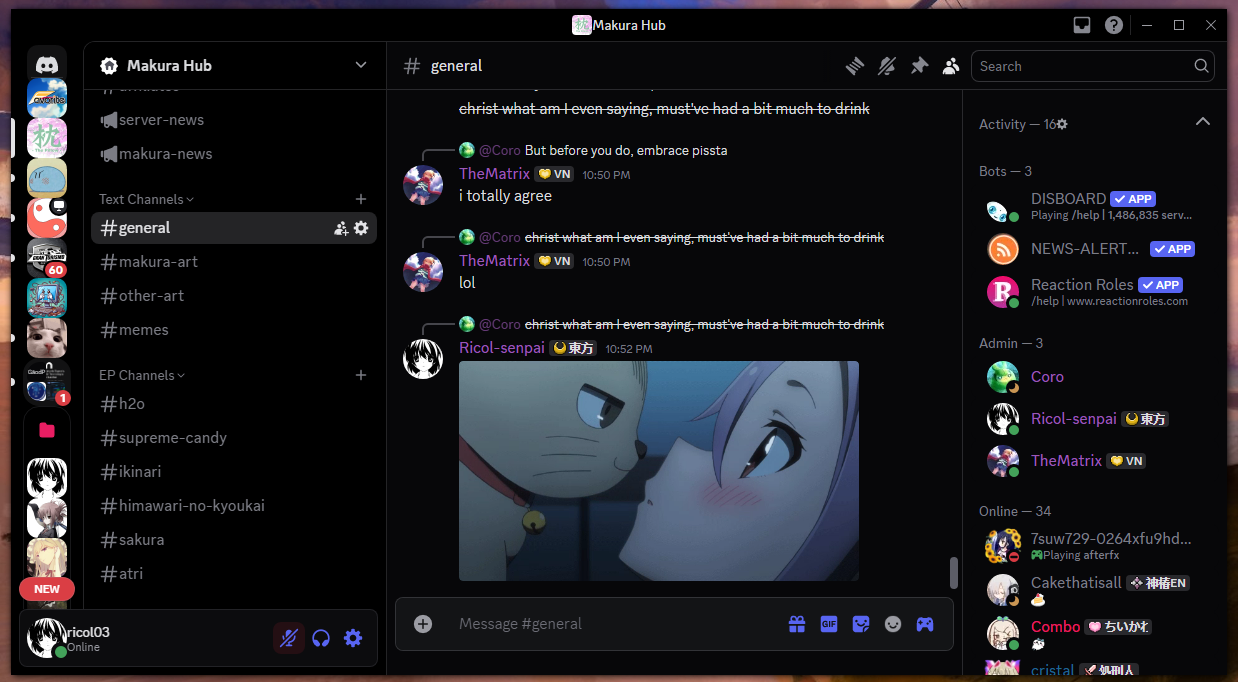
Discord window
Source: TICs do ricol
The application is an older version that runs on Windows Vista, and as such has some graphical issues. However, these do not interfere with normal use.
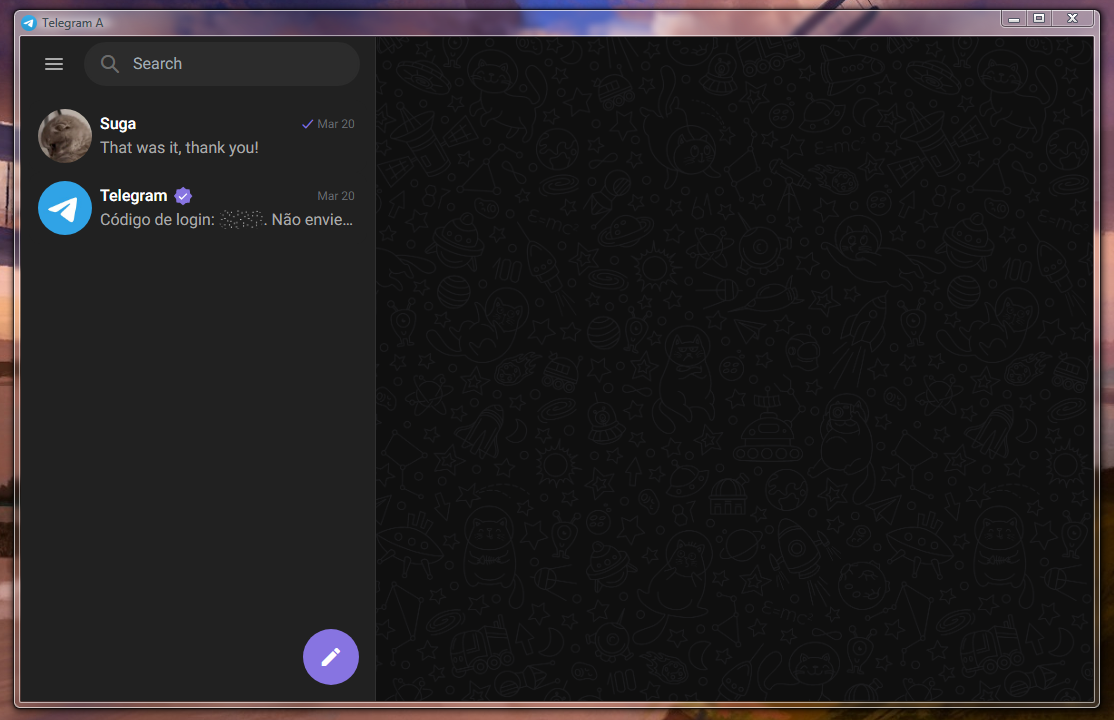
Telegram window
Source: TICs do ricol
Out of curiosity, I tested Telegram. The latest version of Telegram works normally, and you can also use either the desktop version or the browser version.
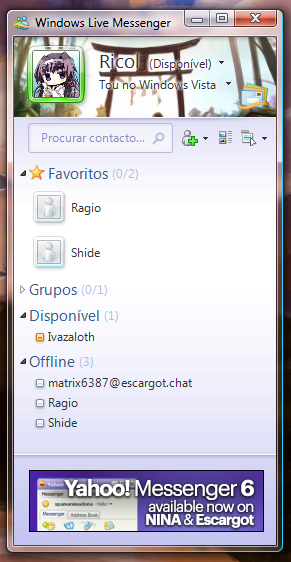
Windows Live Messenger 2009 window
Source: TICs do ricol
Here we see WLM 2009 working correctly via the Escargot service, a reimplementation of Microsoft’s old Live service.
Objectively speaking, I would say that all applications work on this operating system, at least in the browser. Personally, I have everything I need for everyday use.
Productivity
In this regard, it will also depend on how each user employs the software. If you only intend to carry out basic tasks in Office, the 2007 and 2010 versions work perfectly on this operating system. As I write this article, I am using Office 2007 and it is functioning as usual.
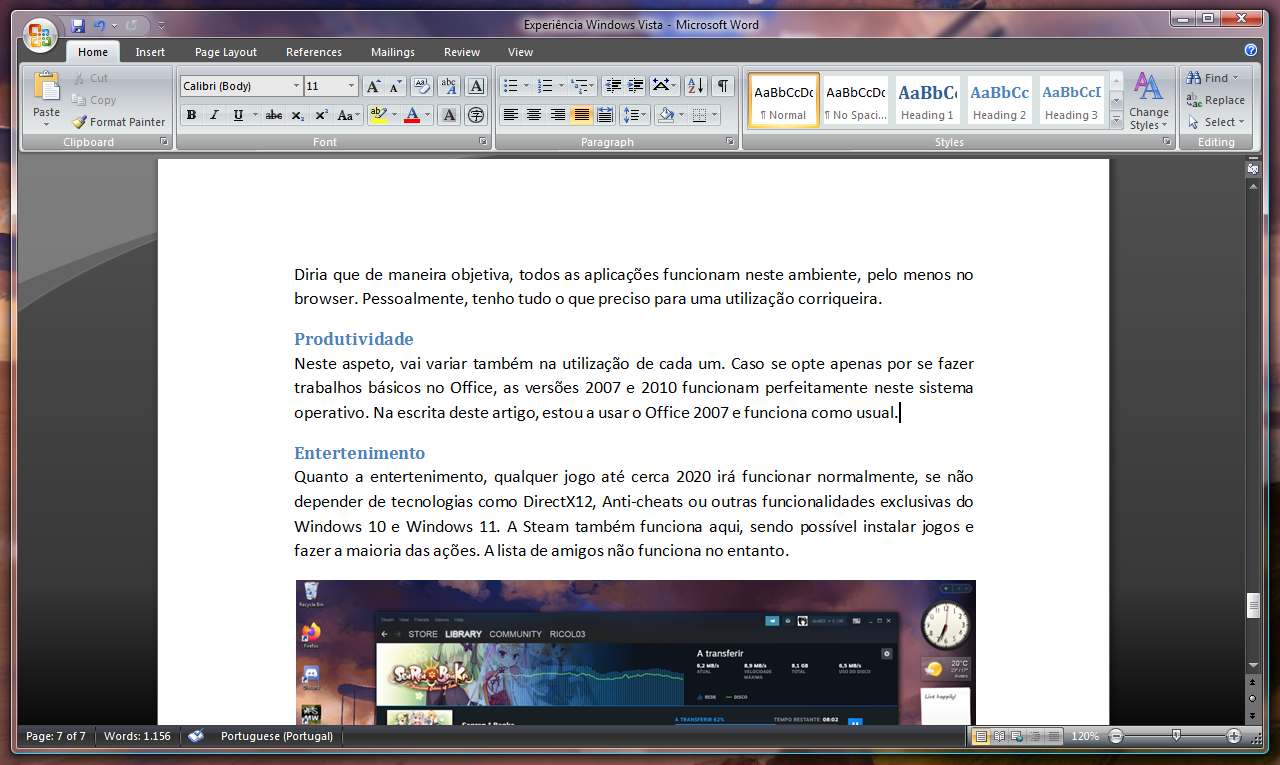
Microsoft Word 2007 window
Source: TICs do ricol
The 2013 and 2016 versions should work in theory, but during my tests I was unable to get them to open on Windows Vista – they fail during installation.
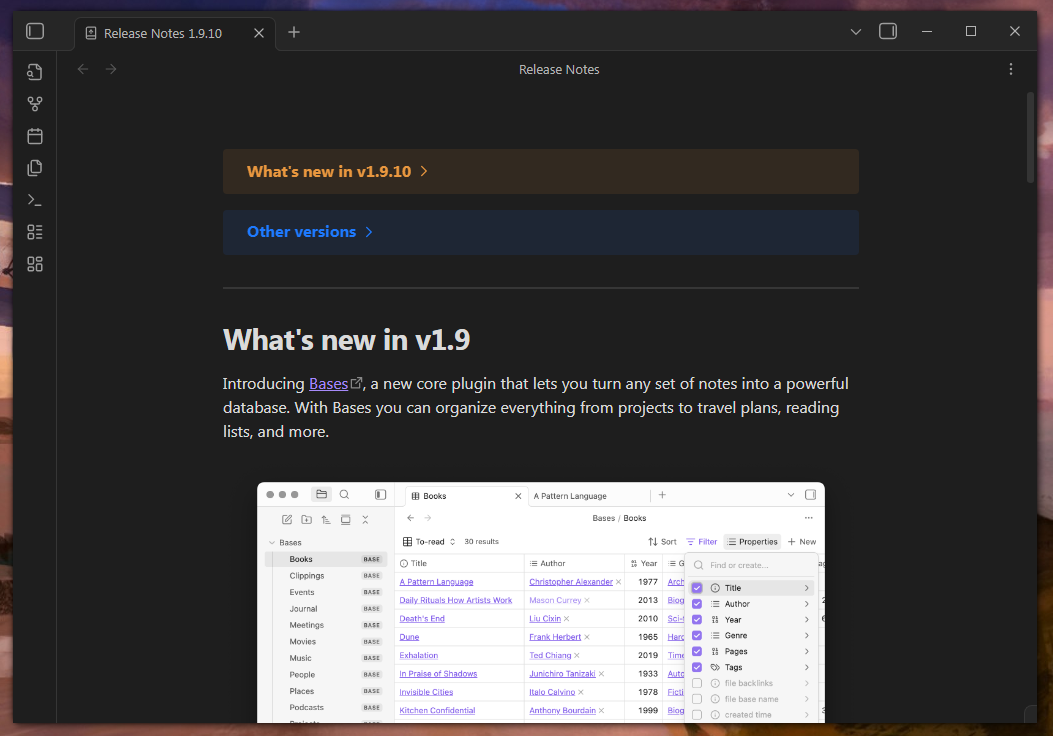
Obsidian window
Source: TICs do ricol
The latest version of Obsidian appears to work if you update from version 1.1.
As for programming, for example, there is a portable version of Visual Studio Code – version 1.67 – that works on Windows Vista. Extensions installable from the programme’s store also work relatively well, despite a few errors. These can be resolved by installing the older .vsix (the extension file) that is compatible with the version of VSCode being used. Here, the C programming environment was tested using the latest version of mingw64.
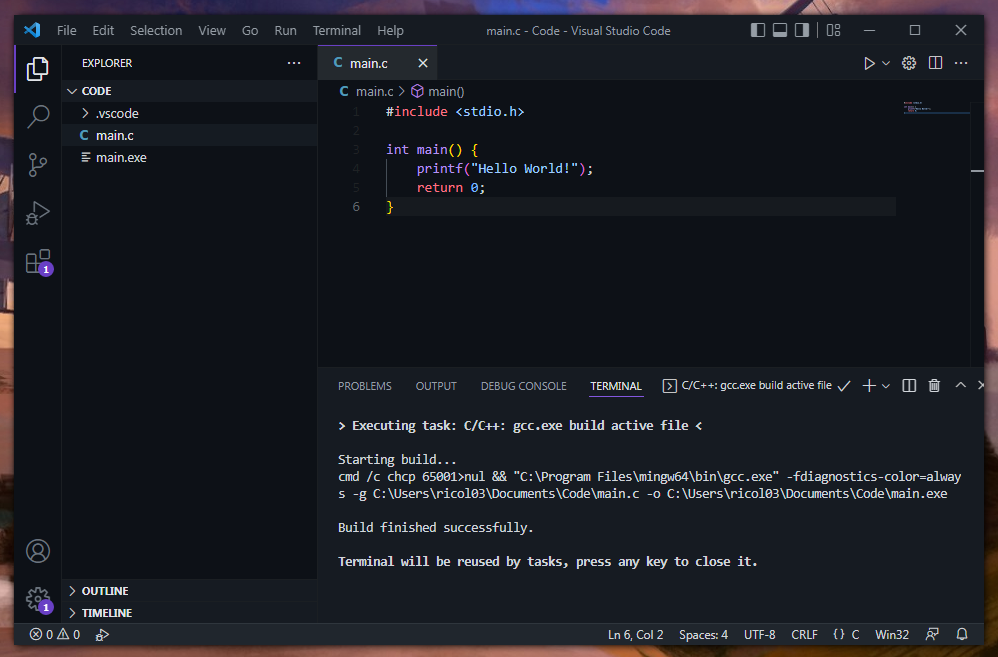
Microsoft Visual Studio Code window
Source: TICs do ricol
As for image editing, I managed to test GIMP, version 2.8.22. It works without any problems whatsoever.
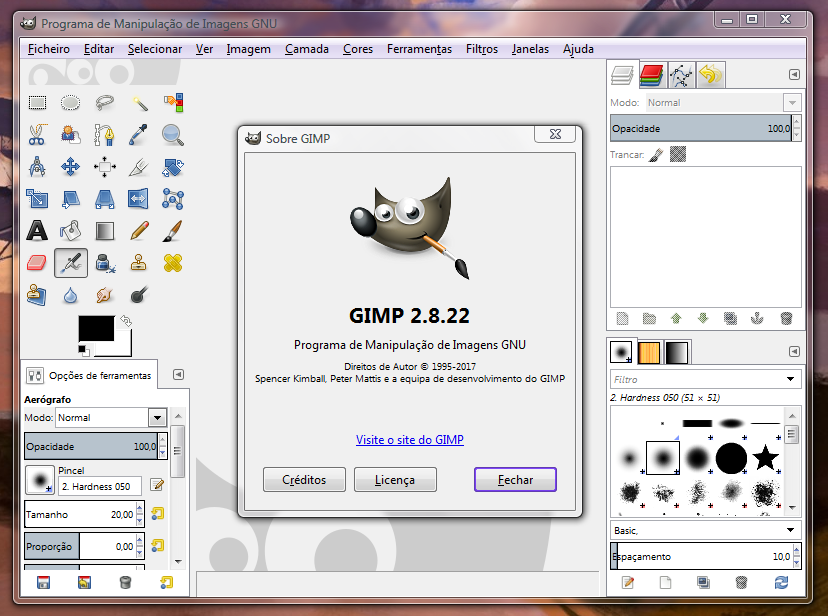
GIMP window
Source: TICs do ricol
Entertainment
As for entertainment, specifically video games, any game released up to around 2020 will run normally, provided it does not rely on technologies such as DirectX 12, anti-cheat systems or other features exclusive to Windows 10 and Windows 11. Steam also works here, allowing you to install games and perform most actions. However, the friends list does not work.
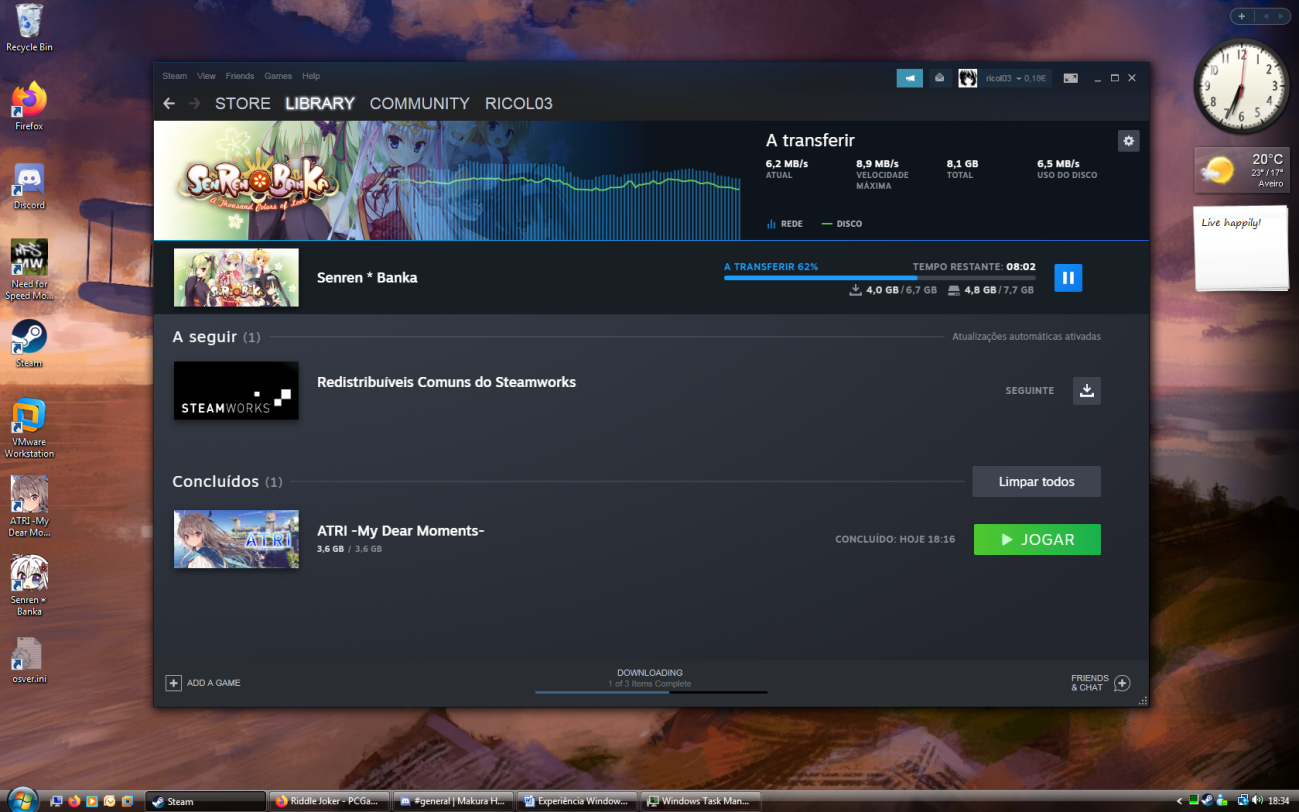
Desktop view with the Steam window downloading games
Source: TICs do ricol
Despite this, on my particular system, if I try to run a game from Steam, I get this error. It could be one of two issues: either Steam does not recognise these drivers (given that I am running beta drivers for the AMD chipset). Alternatively, after further testing, it may be due to a lack of OpenGL support in the drivers I am using, as I received the same error when selecting the OpenGL renderer in DuckStation.
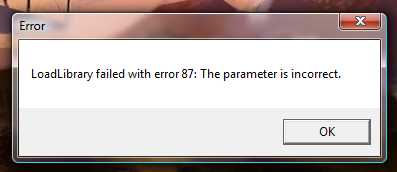
Error displayed
Source: TICs do ricol
If I try to run the games independently of Steam, they work without any issues.
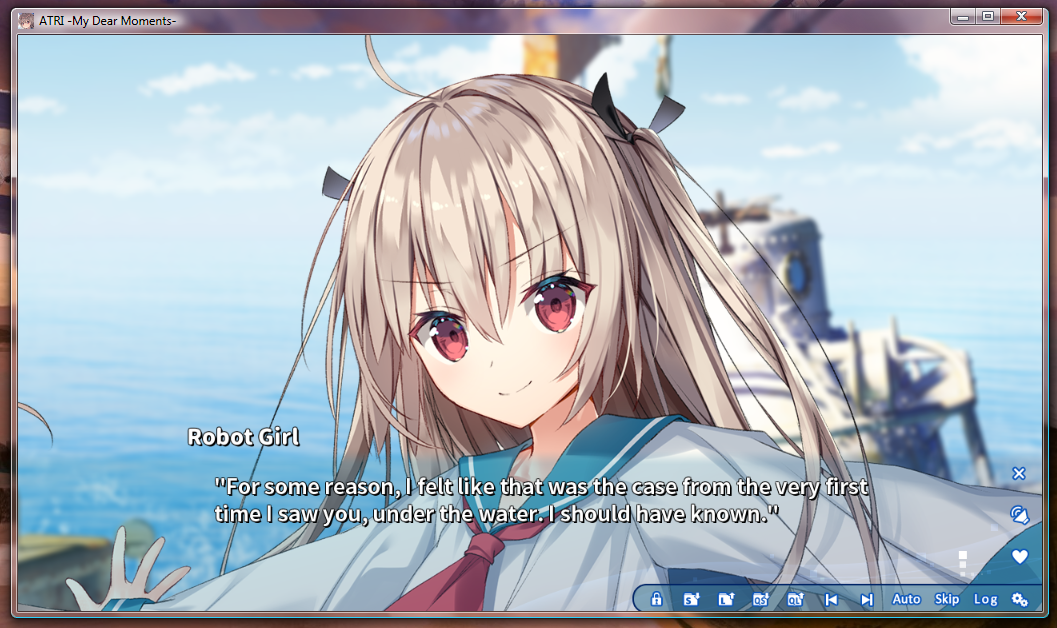
ATRI - My Dear Moments -
Source: TICs do ricol
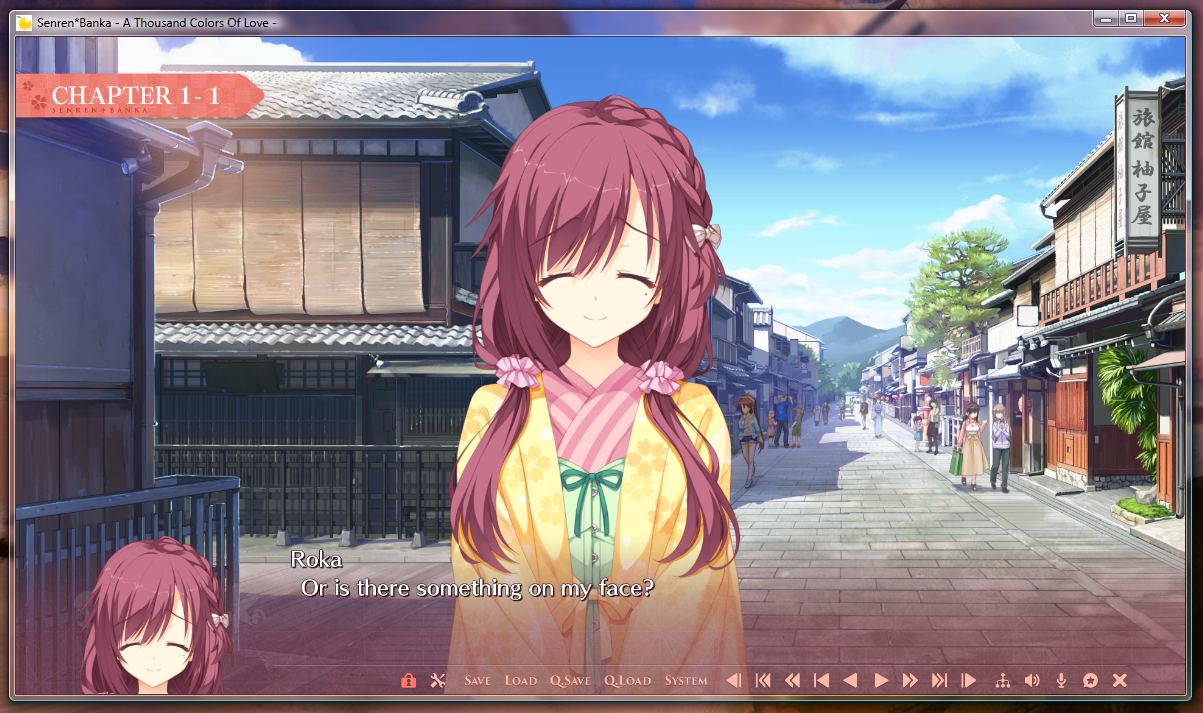
Senren*Banka - A Thousand Colors Of Love -
Source: TICs do ricol
I’ll use two visual novels as examples, as I have them on Steam; both were released in 2020.
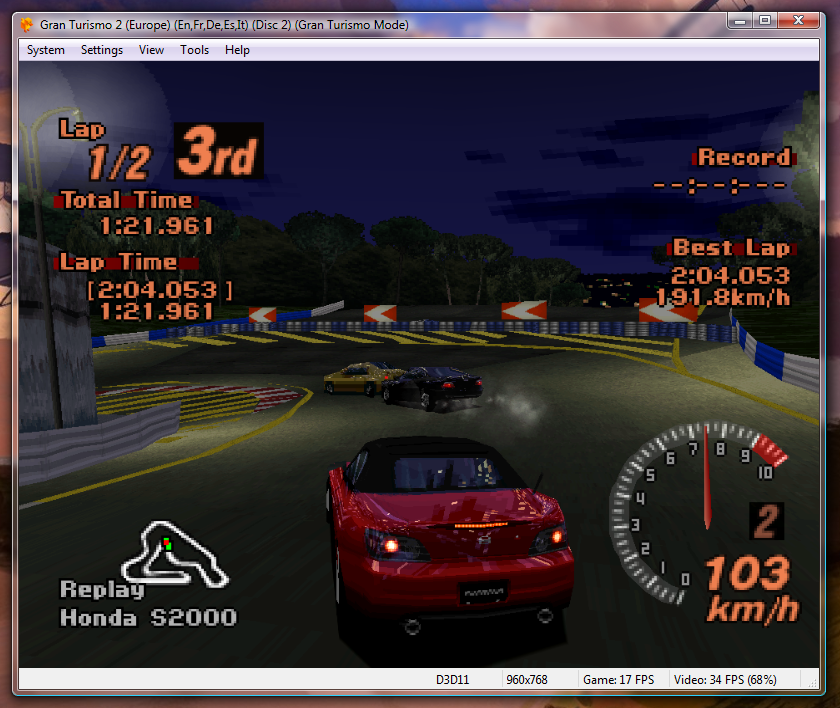
Gran Turismo 2
Source: TICs do ricol
As for emulators, the 2023 versions work properly. Here I’m testing a PlayStation 1 emulator, DuckStation, with Gran Turismo 2.
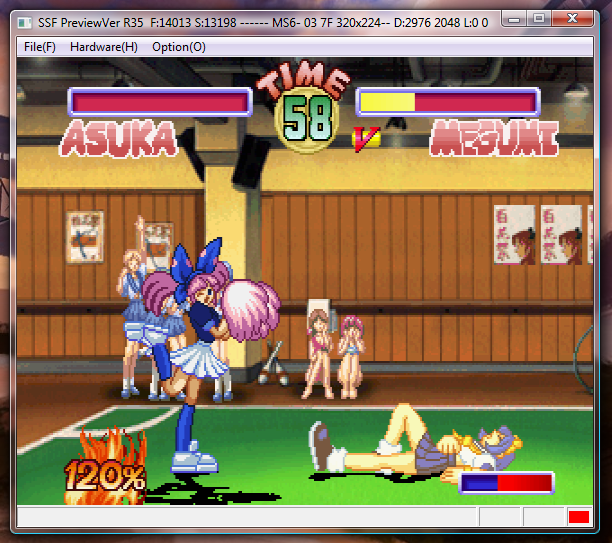
Asuka 120% Limited BURNING Fest.
Source: TICs do ricol
And here I’m testing a Sega Saturn emulator, SSF, with the game Asuka 120%.
On this hardware, the performance is, quite frankly, abysmal. The best that can be run on these emulators is the first Tekken on DuckStation, and even then it freezes in some parts. I gather that the best this PC can manage would be games up to the 4th generation, i.e. Super Nintendo, Sega Mega Drive, PC Engine, etc.
As for video and audio, the browsers mentioned above will be more than sufficient for services such as Spotify, Netflix, YouTube, amongst others. It depends somewhat on individual usage, but objectively speaking, it will work. As for desktop clients, from what I’ve been able to test, version 1.25 of Spotify works on Windows Vista.
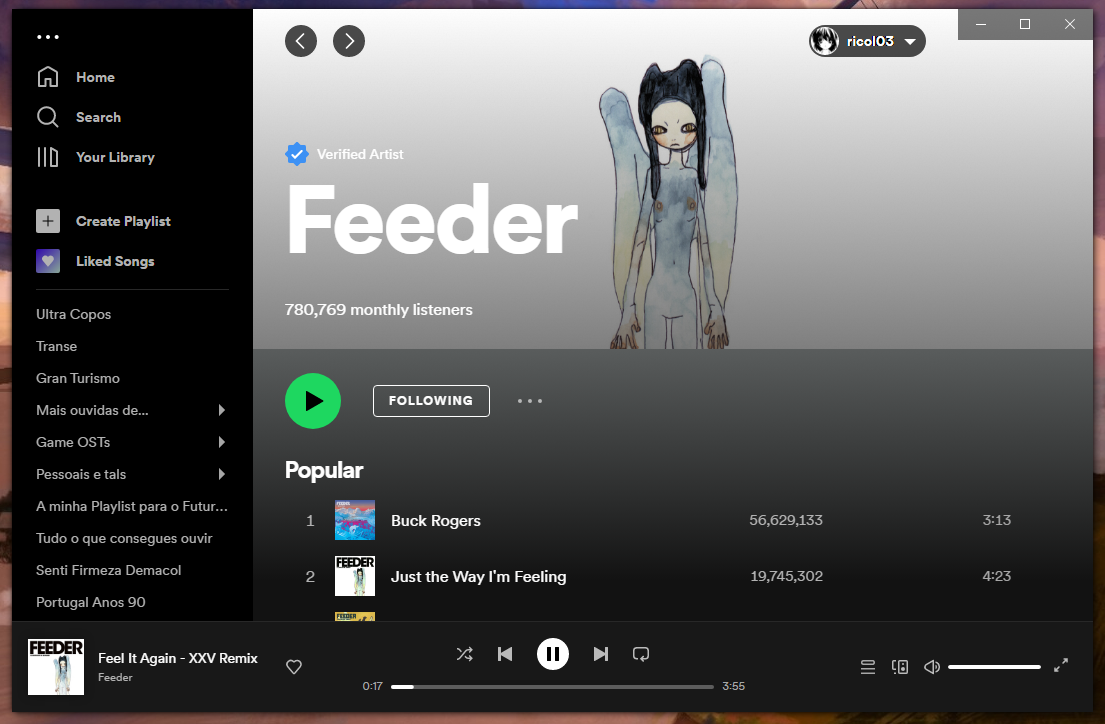
Spotify window
Source: TICs do ricol
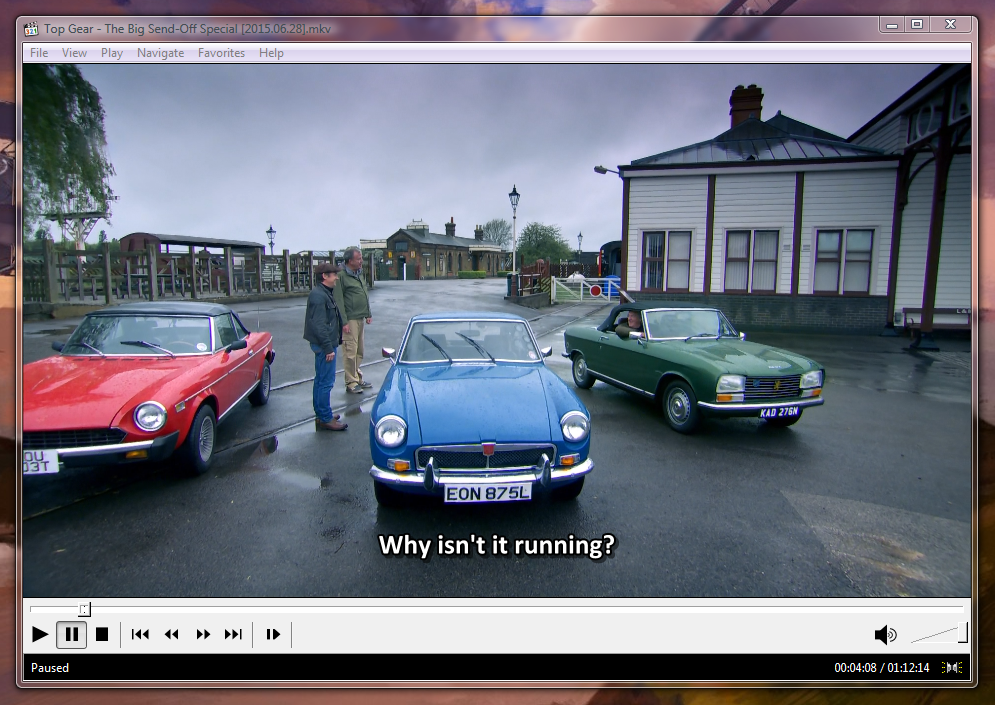
Media Player Classic window, showing the latest episode of season 22 of BBC’s Top Gear
Source: TICs do ricol
As for local video, Windows Vista can play newer formats such as .mp4 or .mkv, provided the necessary codecs are installed. For this, I used K-Lite Codec Pack, version 17.5. This particular hardware simply cannot handle 1080p Full HD video.
I would say that for my own use, I would be relatively satisfied, although I do miss the more modern games available only on Windows 10 and Windows 11.
Hardware Support
This is quite subjective. I’d say I was lucky with my setup, as most drivers designed for Windows 7 worked on Windows Vista. Objectively speaking, the closer the hardware is to the era of this operating system, the more support it will have, naturally. There are some community projects attempting to reimplement drivers for newer graphics cards and processors on Windows Vista, but this will always be somewhat more difficult to achieve.
Other
Here, I’ll show you some other programmes I found interesting to install.
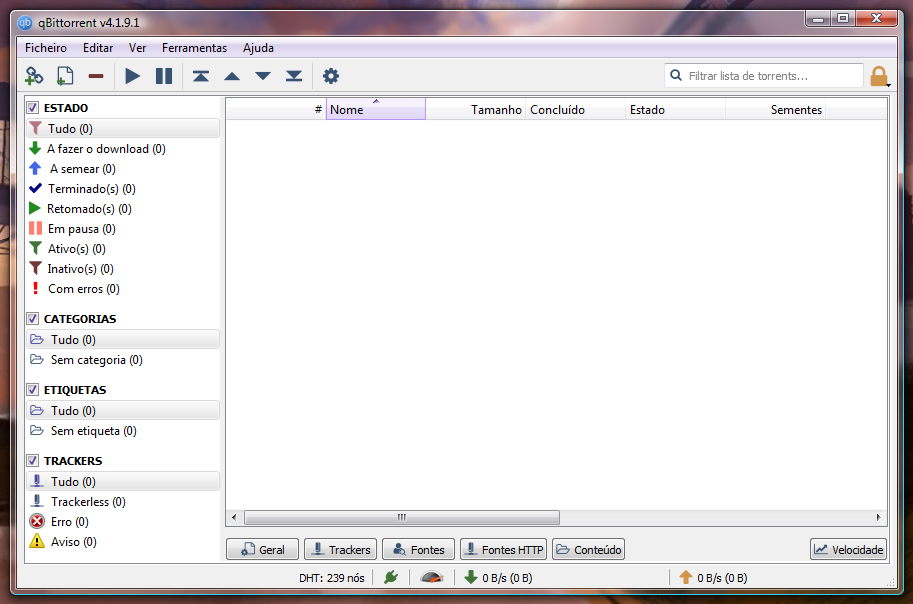
qBittorrent window
Source: TICs do ricol
Here is version 4.1 of qBittorrent, a torrenting programme. It works without any issues.
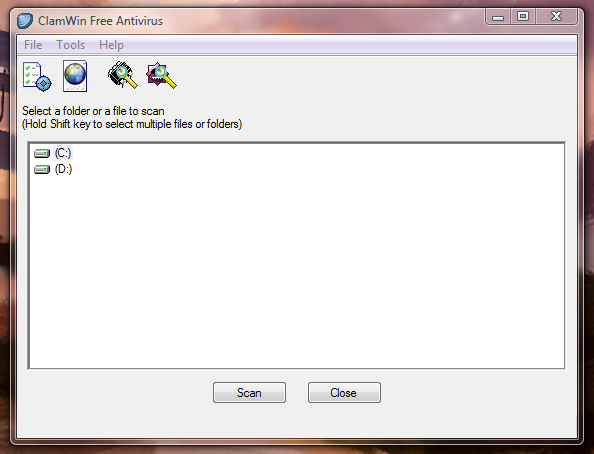
ClamWin window
Source: TICs do ricol
Here is the latest version of ClamWin, an open-source antivirus programme.
also tried installing version 21 of OBS Studio, and it installed without any problems, but it won’t launch due to the Steam-related error shown above.
Final thoughts
To conclude this experiment, I’ll give my opinion on what was achieved. I think it was a great way to test a system that’s nearly 20 years old, and it’s clear that more modern versions of Windows have changed little or nothing in terms of their architecture. From what I tested, many of the programmes that failed without the extended kernel were primarily due to new functions added to the .dlls in newer versions of Windows. I believe that this project, with more time and dedication, could even allow the execution of software designed for Windows 10 and Windows 11 – excluding UWP apps, of course.
I also think Windows Vista is a good operating system for machines from 2004 to 2014, especially if they have at least a dual-core processor and 2GB of RAM. A quad-core processor and 4GB of RAM would naturally be better. Of course, the older the computer, the less capable it will be of using the modern web in a satisfactory manner. Even the computer used for this experiment struggled to play 720p video at 60 frames per second on YouTube. I gather this was down to the lack of a halfway decent GPU – the processor’s integrated graphics weren’t up to the job.
What I want to say, to round off, is that this operating system, with some preseverence, is totally usable as a secondary system. It has access to the modern web, is able to access the popular streaming services, has the capacity of being productive with Microsoft Office and Obsidian, among other normal use cases.
Thank you very much for having read this post. I must admit this post was an unforeseen “detour”, having made it more by chance, so to say - even if the idea was recovered from an earlier project. Anyhow, I had plenty of fun and I could learn plenty from this experiment, which is the most important, in my opinion. I hope you learned something new out of this Windows version.
Take care, and see you next time! :)
References
-
https://msfn.org/board/topic/184867-tutorial-how-to-install-office-2016-on-windows-vista/
-
https://archive.org/details/amd-catalyst-15.6-beta-for-windows-vista.-7z
-
https://msfn.org/board/topic/181756-windows-vista-update-repository-until-april-2017/
-
https://msfn.org/board/topic/176902-enabling-tls-1112-support-in-vistas-internet-explorer-9/